Canon PowerShot A580 Camera User Manual, Instruction Manual, User Guide (PDF)

Canon PowerShot A580

Canon PowerShot A580 equipped with a 8.0 MP CCD sensor and DIGIC III Image Processor delivers superior image quality. The 4x (35-140mm) optical zoom lens gives you the flexibility to capture photos at distance without sacrificing quality. The Motion Detection Technology automatically reduces blur by compensating for subject motion and camera-shake to keep everything looking sharp and clear.

The PowerShot A580 features Face Detection Technology continues to recognize faces in a scene, and adjusts focus, exposure, flash and white balance, ensures great people shots with natural-looking skin tones.

Read moreCanon PowerShot A580 Camera User Manual, Instruction Manual, User Guide (PDF)

Canon PowerShot A590 IS Camera User Manual, Instruction Manual, User Guide (PDF)

Canon PowerShot A590 IS

Canon PowerShot A590 IS equipped with a 8 MP CCD sensor work with DIGIC III Image Processor delivers superb image quality and advanced noise reduction for sharper, clearer photos. The 4x (35-140mm) optical zoom lens brings far-away objects up close. The Lens-shift Image Stabilizer keeps every image absolutely steady even when you're not.

The PowerShot A590 IS features Face Detection Technology ensures great people shots by automatically setting optimum focus, exposure, flash and white balance.

Read moreCanon PowerShot A590 IS Camera User Manual, Instruction Manual, User Guide (PDF)
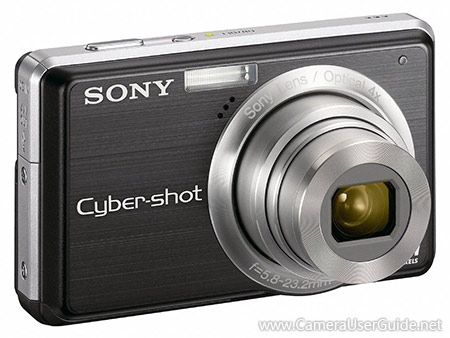
Canon PowerShot A1000 IS Camera User Manual, Instruction Manual, User Guide (PDF)
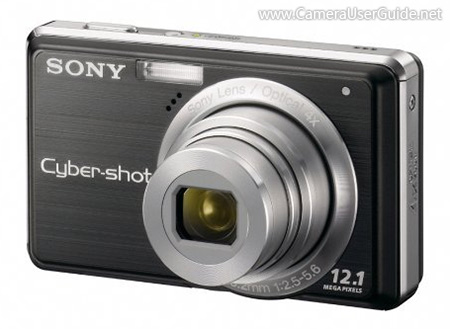
This compact Canon PowerShot A1000 IS incorporates a 10.0 MP CCD sensor and DIGIC III Image Processor delivers superb image quality, lets you create impressive large prints.

The 4x (35-140mm) optical zoom lens gets you close to the action quickly. The Optical Image Stabilizer keeps images sharpness along the full zoom range.

The PowerShot A1000 IS features Face Detection detects up to 9 faces and adjusts focus, exposure, flash settings and white balance, giving you the best possible results with natural-looking skin tones.

Read moreCanon PowerShot A1000 IS Camera User Manual, Instruction Manual, User Guide (PDF)
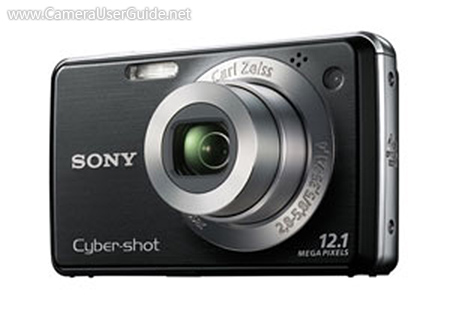
Sony Cyber-shot DSC-S950 Camera User Manual, Instruction Manual, User Guide (PDF)

Sony Cyber-shot DSC-S950

Sony Cyber-shot DSC-S950 comes with a 10.1 MP Super HAD CCD creates stunning, detailed images, even when enlarged up to A3-size.

The 4x (33-132mm) optical zoom lens delivers sharp results, even from a distance. The SteadyShot digital image stabilization ensures sharp photos, even in low light.

The Cyber-shot DSC-S950 features Face Detection Technology will automatically adjust the focus, exposure, white balance and even flash control to deliver crisp, properly lit images of family and friends.

Read moreSony Cyber-shot DSC-S950 Camera User Manual, Instruction Manual, User Guide (PDF)

Sony Cyber-shot DSC-S980 Camera User Manual, Instruction Manual, User Guide (PDF)

Sony Cyber-shot DSC-S980

Sony Cyber-shot DSC-S980 comes with a 12.1 MP Super HAD CCD sensor helps you capture stunning images with superb contrast and clarity down to the finest detail. The 4x (33-132mm) optical zoom lens delivers sharp images, even from a distance. The SteadyShot digital image stabilization to reduce camera shake and prevent image blurs.

The Cyber-shot DSC-S980 features Easy Shooting mode displays basic camera instructions on the LCD screen and the camera switches to all automatic settings so you can just take the photo without worrying about settings.

Read moreSony Cyber-shot DSC-S980 Camera User Manual, Instruction Manual, User Guide (PDF)

Sony Cyber-shot DSC-W215 Camera User Manual, Instruction Manual, User Guide (PDF)

Sony Cyber-shot DSC-W215

The ease-to-use Sony Cyber-shot DSC-W215 houses a 12.1 MP Super HAD CCD sensor and powerful BIONZ image processor delivers high quality images.

The Carl Zeiss 4x (30-120mm) optical zoom lens and SteadyShot image stabilization ensures sharp photos even in dimly-lit situations.

The Intelligent Scene Recognition (iSCN) automatically detects different types of scenes, and selects the most appropriate camera setting to deliver the best possible results in any shooting condition.

Read moreSony Cyber-shot DSC-W215 Camera User Manual, Instruction Manual, User Guide (PDF)