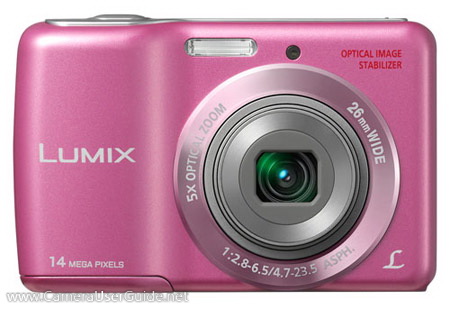
Panasonic Lumix DMC-LS6 Camera User Manual, Instruction Manual, User Guide (PDF)

PanasonicPanasonic Lumix DMC-LS6

Panasonic LUMIX DMC-LS6 equipped with a 14.1 MP CCD sensor offers high resolution images so that it is still possible to crop the part you want to enlarge out of the photos even after shooting.

It boasts a high quality 5x (26-130mm) optical zoom lens lets you capture group shots as well as close-ups. The lens with F/2.8 brightness helpful to capture clear images even in dimly lit situations like nighttime or indoors. While the Optical Image Stabilizer compensates for blurring caused by hand-shake.

Read morePanasonic Lumix DMC-LS6 Camera User Manual, Instruction Manual, User Guide (PDF)
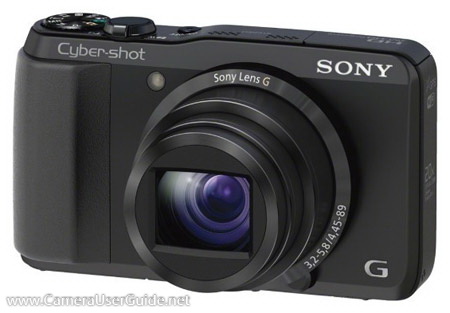
Sony Cyber-shot DSC-HX30V / DSC-HX30 Camera User Manual, Instruction Manual, User Guide (PDF)
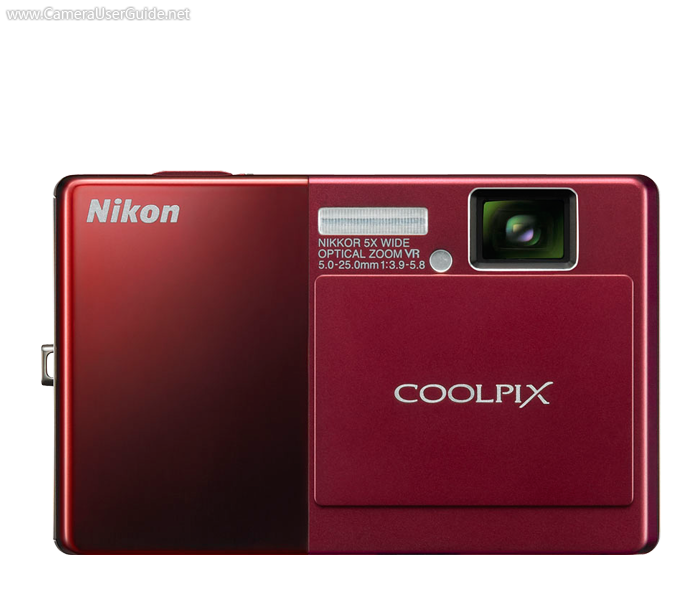
Sony Cyber-shot DSC-HX30V / DSC-HX30

This compact Sony DSC-HX30V / DSC-HX30 houses a 20x (25-500mm) optical zoom plus 40x Clear Image digital zoom technology to bring you near enough to capture distant details. The Optical SteadyShot image stabilization with Active Mode compensates for camera shake by countering camera movements in both horizontal and vertical directions. The 18.2 MP Exmor R CMOS sensor capture stunning low light images with incredible details.

The camera features Intelligent Scene Recognition (iSCN) Mode automatically detects 33 different types of scenes and selects the appropriate camera settings.

Read moreSony Cyber-shot DSC-HX30V / DSC-HX30 Camera User Manual, Instruction Manual, User Guide (PDF)
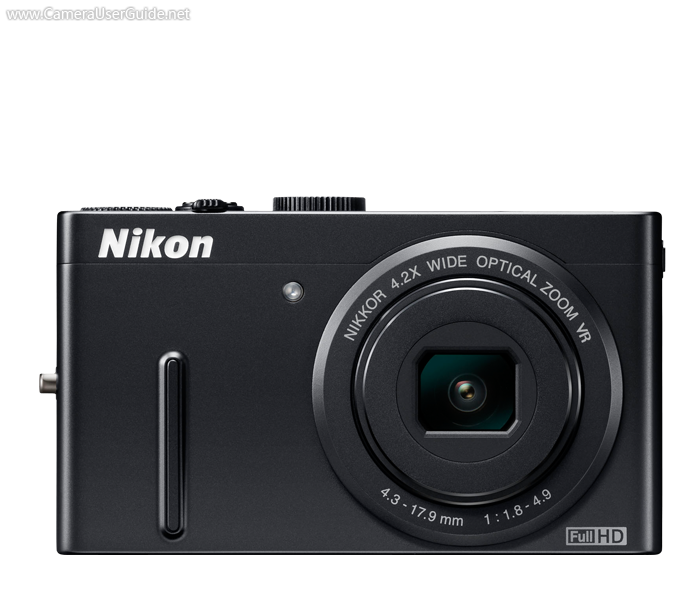
Nikon COOLPIX S70 Camera User Manual, Instruction Manual, User Guide (PDF)
This slim, stylish Nikon COOLPIX S70 houses a 12.1 MP high-resolution CCD sensor for stunning prints as large as 16 x 20 inches. The 5x (28-140mm) Wide-Angle Optical Zoom-NIKKOR lens lets you capture group shots as well as close-ups. The 5-way VR Image Stabilization compensates for the effects of camera shake for sharper, clearer pictures.

The COOLPIX S70 equipped with a bright 3.5-inch OLED touch screen offers a new level of intuitive fingertip shooting control include Touch Shutter, Touch Autofocus and a variety of exciting playback options.

Read moreNikon COOLPIX S70 Camera User Manual, Instruction Manual, User Guide (PDF)
Nikon COOLPIX P300 Camera User Manual, Instruction Manual, User Guide (PDF)

Nikon COOLPIX P300 boasts a fast f/1.8, 4.2x (24-100mm) wide-angle zoom lens for high speed operation and exceptional low-light performance. The highly sensitive 12 MP illuminated CMOS  sensor provides superb low noise images. The four-way VR Image Stabilization reduces the effect of camera shake to produce blur-free pictures.

The P300 equipped with a Mode Dial for quick and convenient control over select settings, including Programmed Auto / Shutter-priority / Aperture-priority and manual exposure lets you realize your envisioned image.

Read moreNikon COOLPIX P300 Camera User Manual, Instruction Manual, User Guide (PDF)

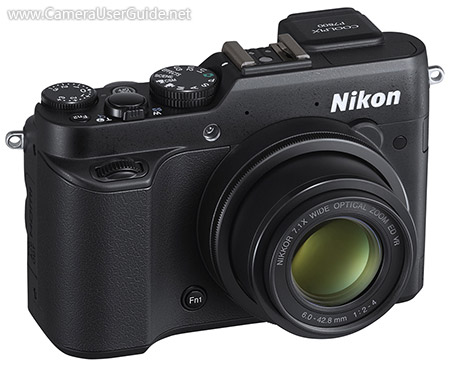
Nikon COOLPIX P7800 Camera User Manual, Instruction Manual, User Guide (PDF)

Nikon Coolpix P7800

Nikon COOLPIX P7800 equipped with a large 1/1.7-inch 12.2 MP backside-illuminated CMOS sensor that offers excellent tonal range and vivid color reproduction, even in low light situations.

The 7.1x (28-200mm) bright F/2-4 Nikkor zoom lens gives you both wide-angle and telephoto capabilities, and allowing the user to shoot with faster shutter speeds, providing sharper results. An evolved Lens-Shift Vibration Reduction function minimizes camera shake for shooting blur-free photos while handheld or in challenging light.

Read moreNikon COOLPIX P7800 Camera User Manual, Instruction Manual, User Guide (PDF)

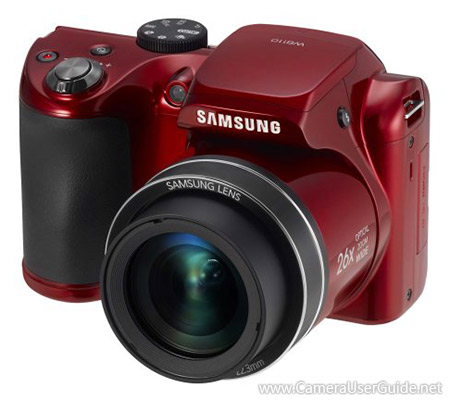
Samsung WB110 Camera User Manual, Instruction Manual, User Guide (PDF)

Samsung WB110

Samsung WB110 long-zoom camera comes with a 26x (22.3-580mm) ultra wide-angle optical zoom lens gets you stunning close-ups from far away, or captures sweeping panoramas. The 20 MP CCD sensor puts breathtaking clarity and detail in every frame. The Dual Image Stabilization compensates for camera shake, enabling clear, blur-free shots.

The Smart Auto automatically analyzes the shooting environment and adjusts the camera's settings to help you capture the best shot possible. The Live Panorama lets you photograph seemingly endlessly panoramic shots and preview them live on the screen by holding the shutter-button and sweeping across the scene.

Read moreSamsung WB110 Camera User Manual, Instruction Manual, User Guide (PDF)