Samsung ST150F Camera User Manual, Instruction Manual, User Guide (PDF)

Samsung ST150F

This slim Samsung ST150F features a bright f/2.5 5x (25-125mm) zoom lens gives you great close-ups or captures all the action on stage. Combined with the 16.2 MP CCD sensor, the ST150F produce sharp and clear images even in dim lights.

ST150F is built-in Wi-Fi connectivity enables photos to be shared and uploaded to social media sites on the move. The Remote Viewfinder function lets you control your camera by using the smartphone as viewfinder.

Read moreSamsung ST150F Camera User Manual, Instruction Manual, User Guide (PDF)
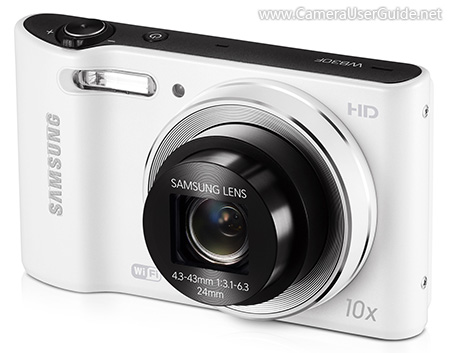
Samsung WB30F Camera User Manual, Instruction Manual, User Guide (PDF)
Samsung WB30F

Samsung WB30F boast a 10x (24-249mm) optical zoom lens in a 17mm ultra-slim body. Use the 24mm wide-angle to to handle any sweeping panoramas, and the 10x zoom that lets you quickly take stunning close-ups from far away. The 16.2-megapixel CCD sensor offers beautiful color and stunning, crystal-clear images.

The WB30F is built-in Wi-Fi connectivity, the dedicated DIRECT LINK hot key helps you quickly connect to Wi-Fi networks for instant photo and video sharing. The Remote Viewfinder function enables you to control your camera by using your smartphone as the viewfinder.

Read moreSamsung WB30F Camera User Manual, Instruction Manual, User Guide (PDF)
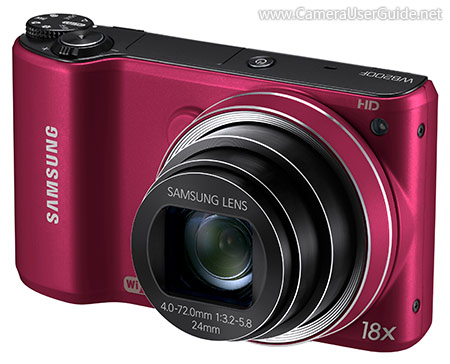
Samsung WB200F Camera User Manual, Instruction Manual, User Guide (PDF)
Samsung WB200F

Samsung WB200F boast 18x (24-432mm) optical zoom lens gets you stunning close-ups from far away, while the 24mm wide-angle captures sweeping panoramas. The 14 MP CCD sensor ensures high-quality, low-noise images.

WB200F features a hybrid touch interface consisting of touch LCD screen and five-way navigational keys, allowing users to manipulate controls to their preference.

The WB200F is built-in Wi-Fi connectivity for instant photo and video sharing via social networking sites and emails. The Remote Viewfinder function lets you preview images, adjust the camera settings, zoom in and out and frame each scene - all from your smartphone, wirelessly.

Read moreSamsung WB200F Camera User Manual, Instruction Manual, User Guide (PDF)
Samsung WB800F Camera User Manual, Instruction Manual, User Guide (PDF)

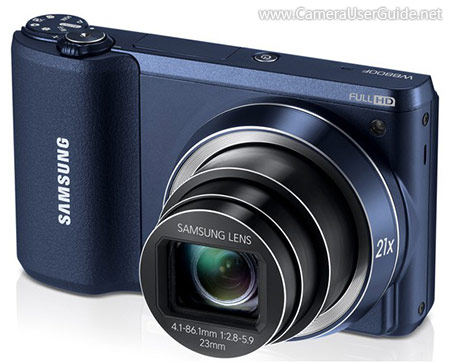
Samsung WB800F

Samsung WB800F sport a 21x (23-483mm) wide-angle long-zoom lens captures stunning landscapes shots or take stunning close-ups from far away. And a 16.3 MP Back Side Illuminated CMOS sensor for excellent low-light shooting.

The WB800F equipped with a 3-inch Hybrid Touch Screen, navigating controls and sharing images couldn't be easier.

WB800F is built-in Wi-Fi, you can instantly send images or videos to a smartphone, tablet, or share on a Smart TV. The Remote Viewfinder App lets you operate your camera directly from your smart device.

Read moreSamsung WB800F Camera User Manual, Instruction Manual, User Guide (PDF)

Samsung WB2100 Camera User Manual, Instruction Manual, User Guide (PDF)

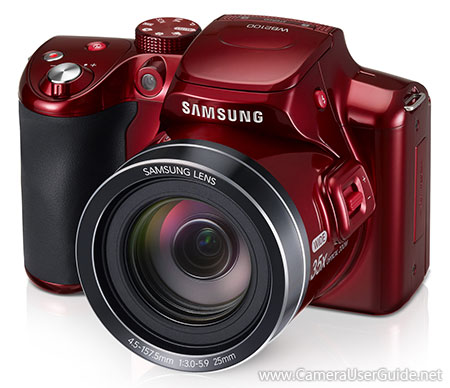
Samsung WB2100

Samsung WB2100 bridge camera boast a 35x (25-875mm) super zoom lens delivers crisp detail and sharp focus every time, putting you in the middle of the action no matter where it's happening. The 16 MP BSI CMOS sensor captures brilliant images, even in low-light situations. The Optical Image Stabilization compensates for camera shake, enabling clear, blur-free shots.

The 3-inch tilt LCD screen makes it easier than ever to take high and low angle shots, letting you capture your world from any angle you choose.

Read moreSamsung WB2100 Camera User Manual, Instruction Manual, User Guide (PDF)

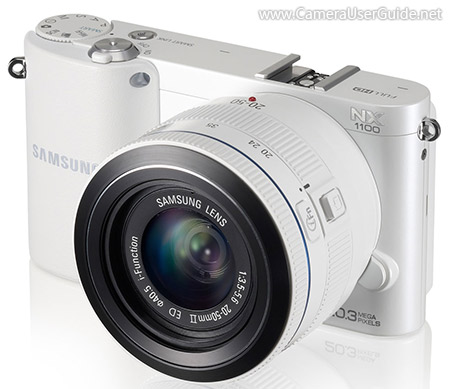
Samsung NX1100 Camera User Manual, Instruction Manual, User Guide (PDF)

Samsung NX1100

Samsung NX1100 compact system camera equipped with a 20.3 MP APS-C CMOS sensor for high resolution, detailed imagery with notable low-light sensitivity to ISO 12800. The ultra-high speed Auto Focus that can rival almost any system camera and is core component of the system. The result is a fast and precise AF System that captures life's fleeting moments.

NX1100 is integrated Wi-Fi connectivity lets you instantly transfer images or movies to the computer, smartphone or tablet. You can also use a smartphone as a remote viewfinder and shutter release.

Read moreSamsung NX1100 Camera User Manual, Instruction Manual, User Guide (PDF)